Where does Cabinet keep my work?
Primary advisor records, outputs, and receipts live in the Cabinet folder you choose on your Mac. Cabinet keeps no cloud database copy of that durable record.
What leaves my Mac when I use a cloud model?
Cabinet sends the message plus relevant saved context and attachments to the cloud route you choose. A remote connector can receive requested app data. A compatible local route can keep the model step on-device.
Which AI routes can I connect?
Cabinet supports Claude Code, Codex, ten direct API providers, OpenRouter, and compatible local endpoints. Each route keeps its own account and availability requirements.
Can I use AI access I already have?
Already use Claude or ChatGPT? Cabinet works with authenticated Claude Code and Codex CLI sessions. Direct providers and OpenRouter use the credentials for those services.
Do I have to rebuild the brief for every model?
No. Cabinet keeps the working record and can pass the relevant job context forward when you change routes or hand work to another advisor.
What do Cabinet’s advisors remember?
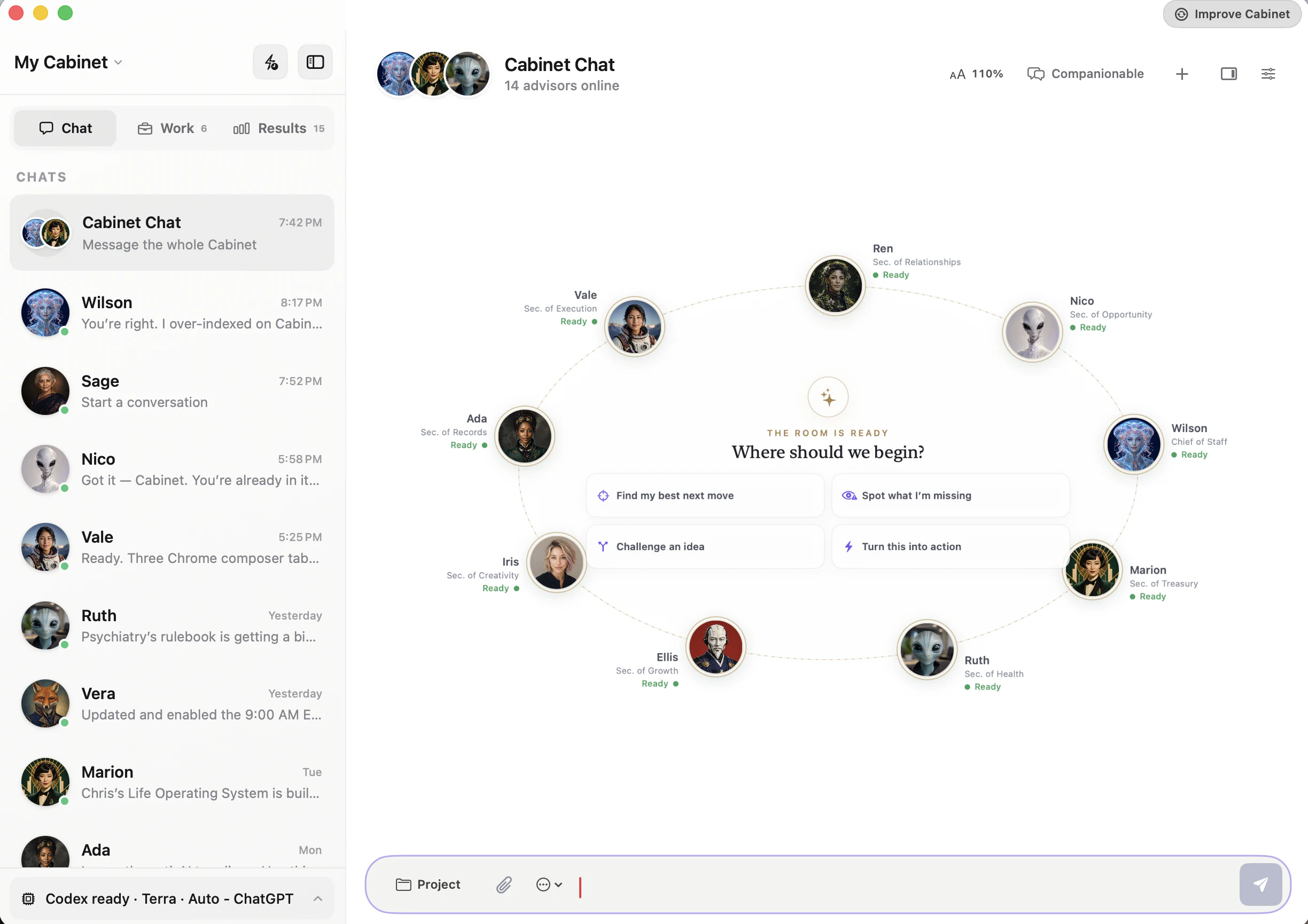
Every advisor can receive shared owner context, projects, decisions, and recent activity. Each advisor keeps separate specialist memory, so private specialist notes are not broadcast automatically.
Can Cabinet act in connected apps?
Supported tools and connectors can read or act through the authority you grant. Important actions can pause for review, and Cabinet can save a receipt after execution.
How does Cabinet Summon work?
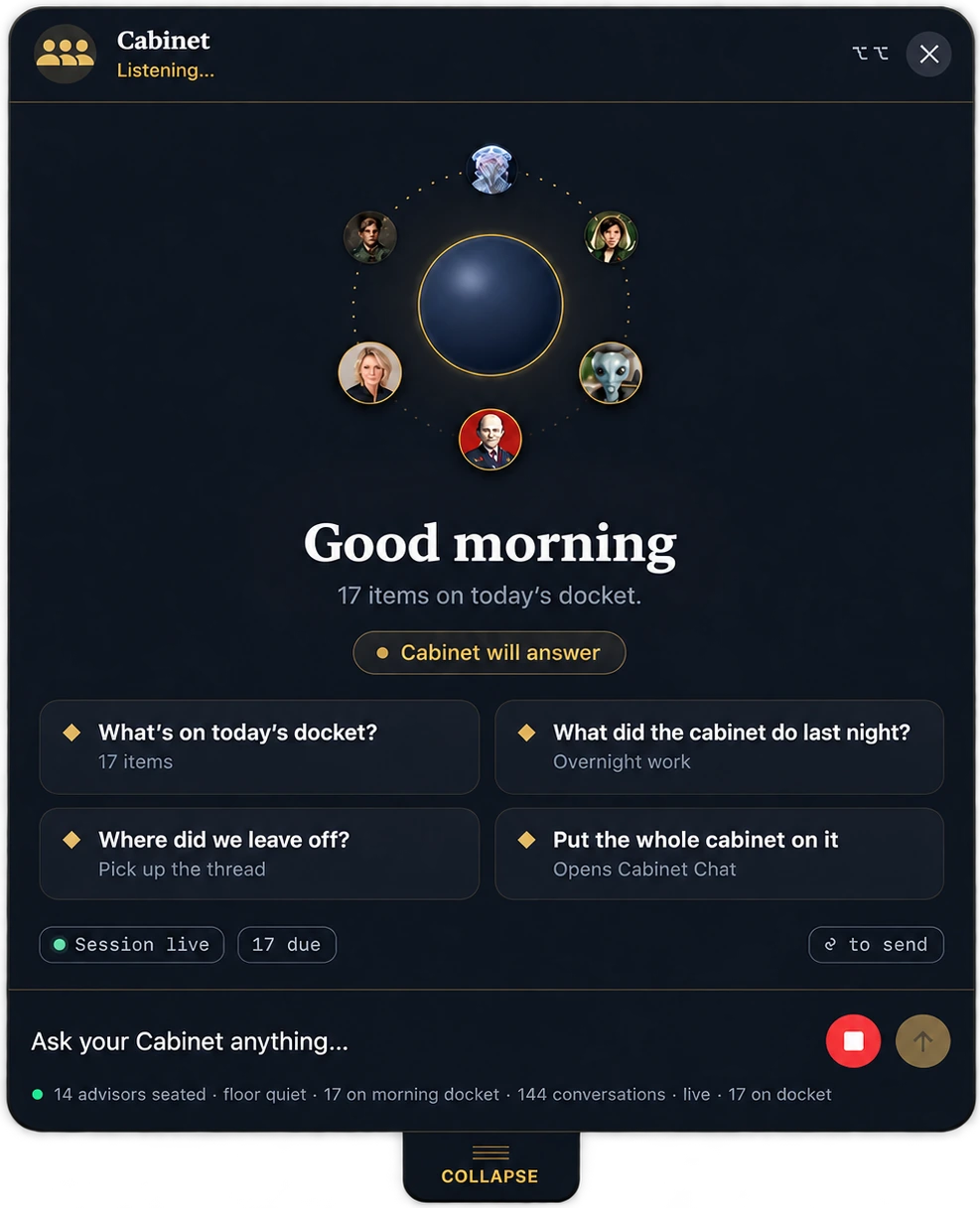
Double-tap Option from any Mac app, then speak or type. When Cabinet is running, Summon can answer in place and use its normal Mac tools to work in apps and on your desktop under ask-first approval rules. There is no wake word or ambient listening.
Can I use Cabinet from iPhone or iPad?
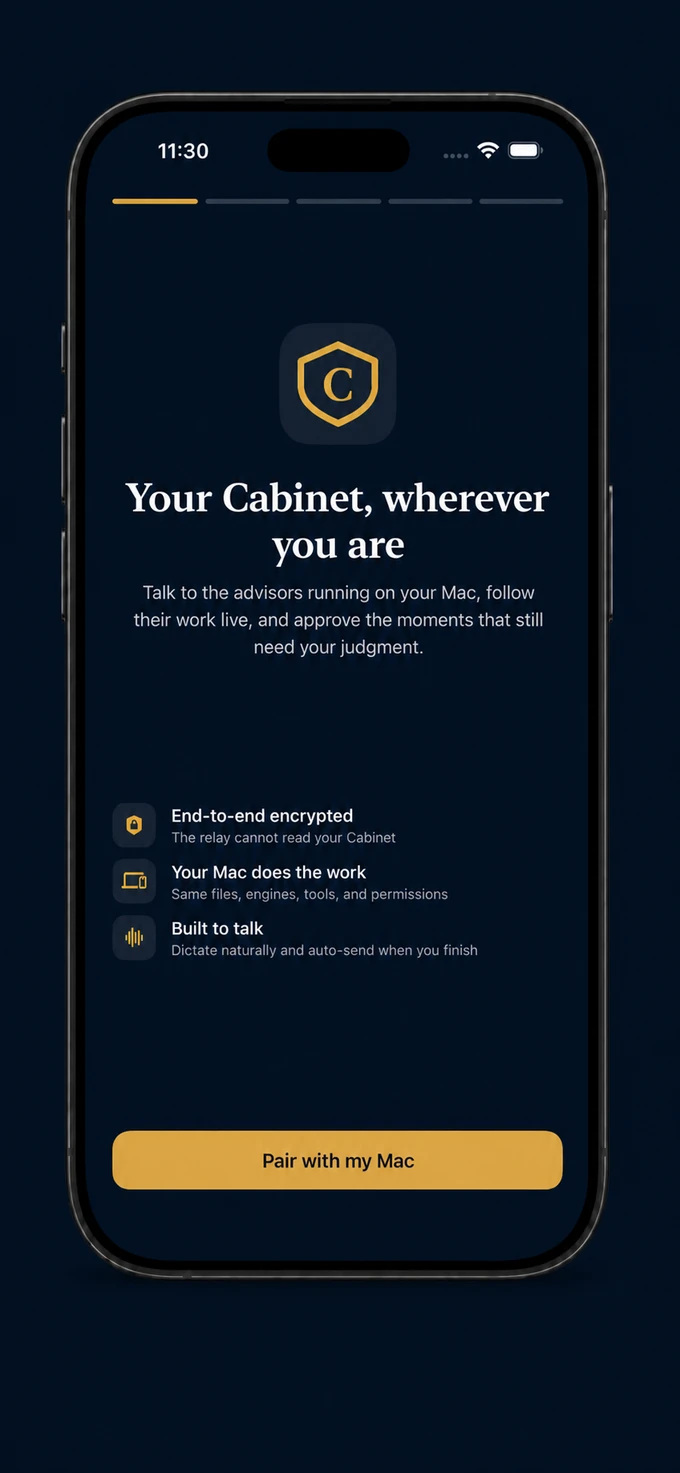
The founding beta includes Cabinet for iPhone; iPad support is planned. On iPhone you can talk to advisors, follow work, and approve moments that need you. Your paired Mac remains the host and must be awake and online for live work. Bridge traffic is end-to-end encrypted, and AI credentials stay on the Mac.
Can I inspect, back up, or move my Cabinet?
Yes. Your Cabinet is a readable folder you can inspect, back up, move, or keep after uninstalling the app. Keys, connectors, pairing, and macOS permissions need to be reconnected on a new setup.
What does the founding beta include?
Cabinet for Mac, Cabinet Summon, guided setup, and help connecting supported AI access and tools. The founding beta is free; provider and third-party charges remain separate. We start with one real workflow, then build from there.









 Files
Files Mail
Mail Calendar
 Drive
Drive GitHub
 Notion